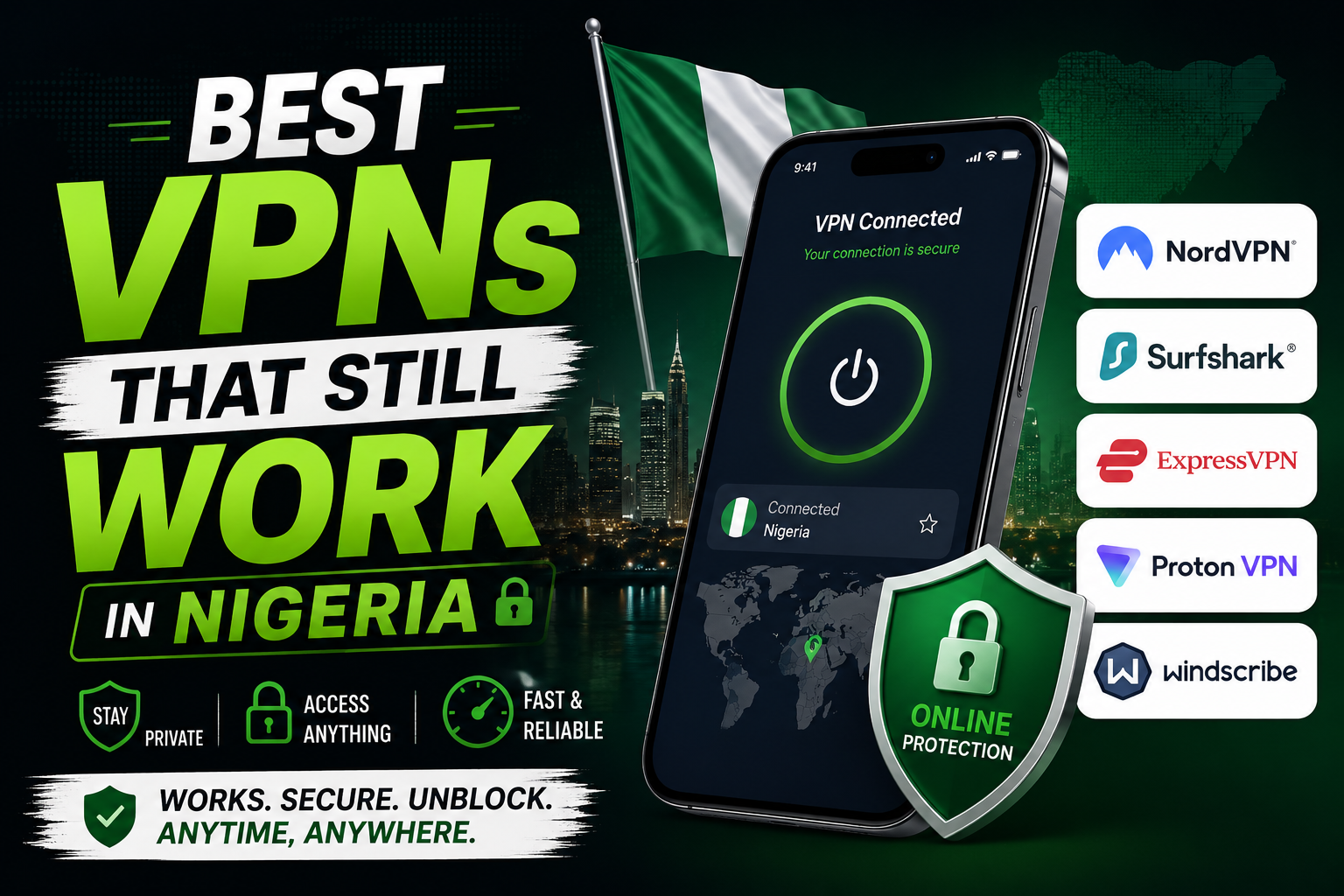
VPNs in Nigeria have become a necessity, not a luxury. Whether you are trying to access content that is region-locked, protect your privacy on public WiFi, or simply keep your browsing away from prying eyes, a good VPN is essential.
But not every VPN works in Nigeria. Some are blocked. Some are so slow that you cannot load a basic webpage. Some work today and stop working tomorrow. The landscape keeps changing as networks and regulators tighten restrictions.
I have tested several VPNs over the past year under real Nigerian network conditions. MTN, Airtel, Glo, and 9mobile. Different times of day. Different locations. This post covers the VPNs that actually work reliably right now.
Why Many VPNs Fail in Nigeria
Nigeria presents unique challenges for VPN services. Network providers sometimes throttle or block VPN traffic. Government regulations occasionally target VPN usage. The internet infrastructure itself can be unpredictable.
Some VPN protocols are easier to detect and block than others. Free VPNs especially are often targeted because they are used by many people and their server IPs become known quickly. Once an IP range is flagged, the VPN becomes useless.
A VPN that works flawlessly in the United States or Europe might be completely dead in Nigeria. This is why you cannot simply Google “best VPN” and trust the top results. Those reviews were not written with Nigerian users in mind.
1. Proton VPN
Proton VPN is my top recommendation for Nigerian users right now. It is made by the same company behind Proton Mail and has a strong reputation for privacy and security.
The free tier is what makes Proton special. Unlike most free VPNs that sell your data or bombard you with ads, Proton’s free tier has a genuine privacy policy. There are no data limits on the free plan which is almost unheard of. You can use it as much as you want.
The free plan gives you access to servers in three countries. The United States, Netherlands, and Japan. Speeds are decent on the free tier. Not blazing fast but enough for browsing, social media, and even some video streaming at lower quality.
The paid plan unlocks servers in over sixty countries and faster speeds. For most Nigerian users, the free plan covers the basics well enough.
Proton VPN works on all major Nigerian networks. I tested it on MTN and Airtel and the connection was stable. It uses strong encryption protocols that are harder to block.
You can download Proton VPN from the Play Store or Apple App Store. No shady APK downloads needed.
2. Windscribe
Windscribe is another VPN with a genuinely useful free tier. You get 10GB of free data per month which is enough for moderate use. If you only need a VPN occasionally, 10GB might cover you completely.
Windscribe has servers in many countries on the free plan. The speeds are good and the app is easy to use. It includes a built-in ad blocker and firewall which add extra value.
The paid plan removes the data cap and gives access to all server locations. For heavy VPN users, the paid plan is worth considering.
Windscribe works reliably on Nigerian networks. I have used it on MTN, Airtel, and Glo without issues. The connection time is fast and the stability is good.
The 10GB free limit means you should use Windscribe selectively. Turn it on for specific tasks rather than leaving it running all day.
3. Psiphon
Psiphon is different from traditional VPNs. It uses obfuscation technology designed to bypass censorship specifically. This makes it very effective in environments where VPNs are actively blocked.
Psiphon was originally built to help people in countries with heavy internet censorship. It uses a combination of VPN, SSH, and HTTP proxy technologies to get around blocks.
The app is completely free with no data limits. It is supported by ads but the ads are not intrusive. You open the app, tap connect, and it finds the best protocol for your network automatically.
Psiphon works when many other VPNs fail. If you have tried Proton and Windscribe and they are not connecting, Psiphon will often still work. It is designed for exactly these situations.
The interface is basic. You will not get fancy server selection or advanced features. But for pure unblocking ability in restricted environments, Psiphon is hard to beat.
Available on the Play Store. The Android app is lightweight and works on low-end phones.
4. 1.1.1.1 by Cloudflare (WARP)
This is technically a DNS resolver with a VPN-like feature called WARP. It encrypts your traffic and routes it through Cloudflare’s network. It is not a full VPN in the traditional sense but it provides privacy and can improve speeds in some cases.
The app is free with no data limits. It is extremely lightweight and runs in the background without draining your battery.
WARP works on all Nigerian networks and actually improves loading speeds for some websites. Because it is not marketed primarily as a VPN, it flies under the radar of many blocking attempts.
The limitation is that you cannot choose a server location. WARP automatically connects you to the nearest Cloudflare data center. This means you cannot use it to access content that is region-locked to a specific country.
For privacy and security while browsing from Nigeria, WARP is excellent. For accessing geo-blocked content, you need a traditional VPN like Proton or Windscribe.
5. Hotspot Shield
Hotspot Shield has been around for years and has a free tier with a daily data limit of 500MB. The free version shows ads and limits server selection but the connection quality is solid.
The paid version offers unlimited data and access to all servers. For Nigerian users who need a VPN occasionally, the free tier provides enough data for quick tasks.
Hotspot Shield uses a proprietary protocol that is reasonably fast. The app is polished and easy to navigate. It works on MTN, Airtel, and Glo.
The daily data limit resets every 24 hours. You get another 500MB. For light daily use, this might be enough.
6. TunnelBear
TunnelBear is the friendliest VPN app you will ever use. It has a bear theme and the interface is charming. But do not let the cute design fool you. The underlying technology is solid.
The free plan gives you 2GB per month. This is less than Windscribe but enough for very light use. The paid plan removes the cap.
TunnelBear works in Nigeria but can be slow during peak hours. It is best for quick browsing sessions rather than streaming or large downloads.
The company has a strong privacy policy and undergoes independent security audits. For users who prioritize trust and transparency, TunnelBear scores highly.
Free VPNs You Should Avoid
Some VPNs are free because they sell your data. Your browsing habits, your location, your device information. Avoid these completely.
VPNs that promise unlimited free everything are almost always suspicious. Running a VPN costs money. Servers, bandwidth, maintenance. If the service is completely free with no premium tier, you are the product.
Avoid VPNs with names that sound generic or copycat. Names that mimic popular VPNs but are slightly different. These are often designed to trick users into downloading malware or spyware.
Only download VPNs from official app stores. The Play Store and Apple App Store at least have some vetting. Random APK files from websites promising “premium unlocked” VPNs are a security risk.
Which VPN Should You Choose?
If you want one reliable free VPN for daily use, get Proton VPN. The unlimited data on the free plan makes it the most practical option for Nigerian users.
If you need a backup option or prefer having a data cap with more server choices, get Windscribe as well.
If you find that both Proton and Windscribe are blocked at some point, have Psiphon ready. It is the emergency option that works when everything else fails.
If you only care about privacy and speed without needing to change your virtual location, use 1.1.1.1 WARP. It is the lightest option and improves your connection in many cases.
A Quick Note on Legality
VPN usage is legal in Nigeria for legitimate purposes. Protecting your privacy, securing your connection on public WiFi, and accessing your work network remotely are all valid reasons to use a VPN.
Using a VPN to commit fraud, bypass legal restrictions on illegal content, or engage in criminal activity is still illegal. The VPN does not make illegal activities legal.
Use these tools responsibly. They are privacy and security tools, not shields for wrongdoing.
Setting Up Your VPN
Download your chosen VPN from the official app store. Create an account. Most offer email sign-up. Grant the necessary permissions when the app asks. On Android, it will request permission to set up a VPN connection. This is normal and required for the VPN to work.
Connect to a server. For general browsing, choose the nearest available server for the best speed. If you need to access content specific to a country, choose a server in that country.
Test that the VPN is working by searching “what is my IP” on Google before and after connecting. The location should change to match your chosen server.
Keep the app updated. VPN providers regularly update their apps to fix bugs and circumvent new blocking methods.