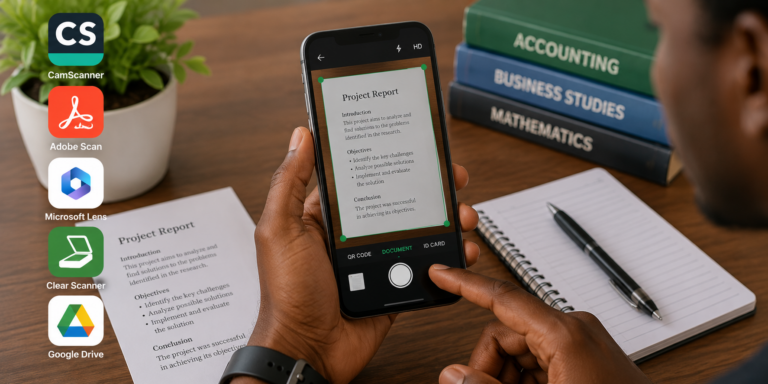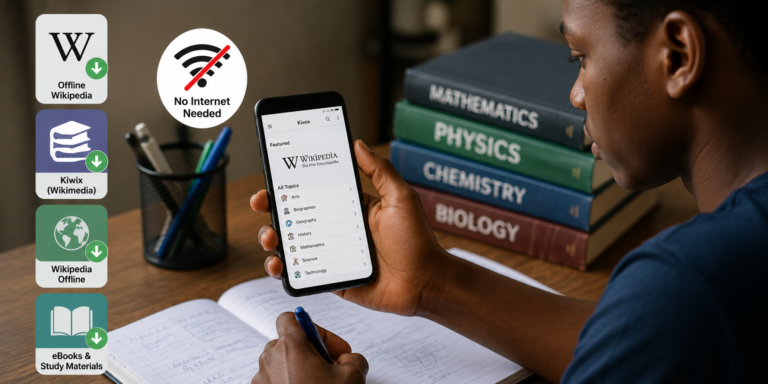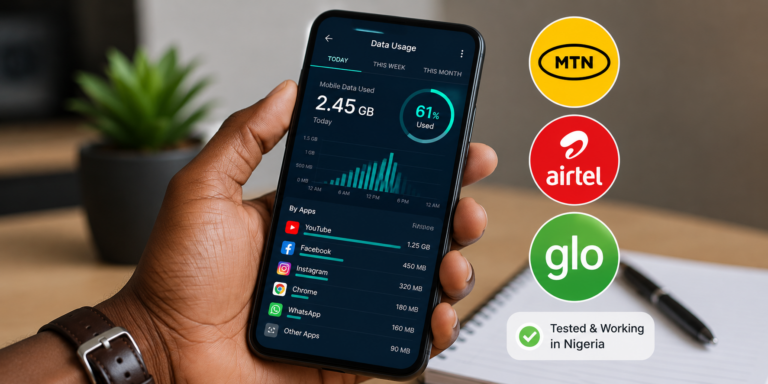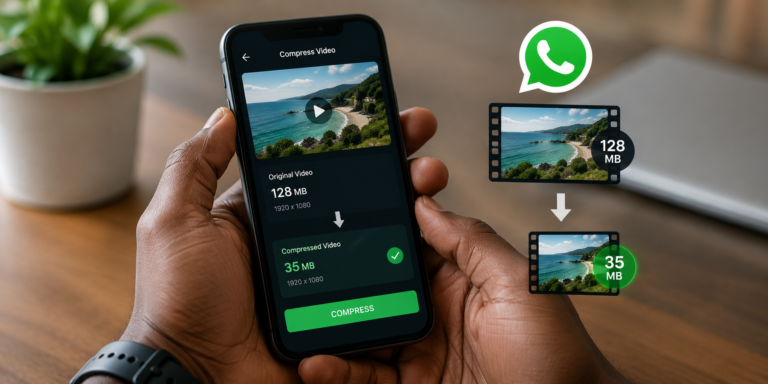
Let me guess. You have an assignment deadline in 3 days. Your data bundle is almost finished. Your laptop is with the repairer. And somehow you still need to submit quality work.
I have been there.
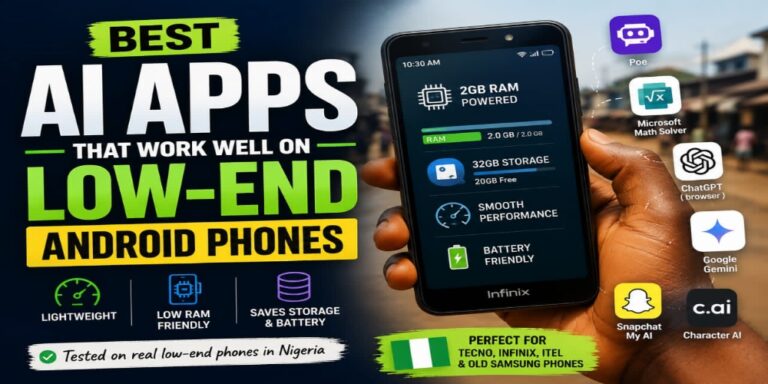
What I have learned is that you do not need a MacBook or a 100GB data plan to use AI as a student in Nigeria. In fact, some of the most useful AI tools right now run smoothly on Android phones and sip data like a well behaved browsing app.
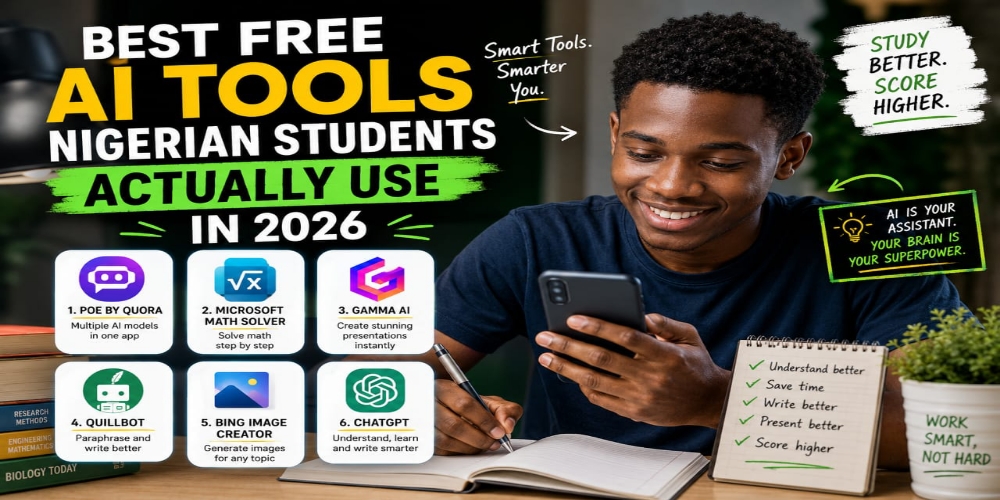
I tested over 20 free AI tools using a basic Tecno phone and a regular MTN data bundle. These are the ones that actually made sense for a Nigerian student.
1. Poe by Quora
Poe is the cheat code nobody talks about.
It gives you access to multiple AI models in one app. ChatGPT, Claude, Gemini, and others. The free plan gives you limited daily messages but it is enough for serious academic work.
Why it works for Nigerian students: The app is lightweight. It loads fast on 3G. You can ask a question and get a full explanation without switching between different websites.
Real student use case: Upload your lecture note PDF and ask Poe to explain the topic like you are a complete beginner. It breaks everything down. You understand faster. You remember better.
2. Microsoft Math Solver
If you do any course with mathematics, this app will save your life.
It is completely free. No hidden subscription. No daily limit. You open the app, snap a photo of the equation with your phone camera, and it solves it step by step.
Why it works for Nigerian students: It works offline for basic calculations. The step by step explanations actually teach you the method, not just the answer. Perfect for exam preparation.
Real student use case: You are solving past questions at night with no data. You open the app, scan the equation, study the steps, and practise similar ones.
3. Gamma AI
Presentations used to stress me out. Designing slides on a phone felt impossible. Then I found Gamma.
You type one sentence about your topic. Gamma creates an entire presentation with slides, images, and proper formatting in under a minute. You can edit everything right inside your phone browser.
Why it works for Nigerian students: No app download needed. Works fully in Chrome. The free plan gives you enough credits for multiple presentations per month.
Real student use case: Your lecturer asks your group to present a seminar topic. You type the title into Gamma, get a full slide deck in 30 seconds, and tweak it to match your department style.
4. Quillbot (Mobile Browser Version)
Quillbot does not have a dedicated Android app. But their mobile website works perfectly fine.
This is the tool you use when you have researched a topic and written your notes but your sentences sound too much like the textbook. Quillbot helps you paraphrase properly.
Why it works for Nigerian students: The free version lets you paraphrase up to 125 words at a time. That is enough to rewrite paragraphs slowly and carefully. It teaches you better sentence construction the more you use it.
Real student use case: After reading a journal article, you type your understanding into Quillbot. It suggests cleaner, more academic phrasing. You learn to write better over time.
5. Bing Image Creator
Sometimes your assignment asks for diagrams or illustrations. Most students skip this part and lose marks. You do not need to be a designer.
Bing Image Creator uses DALL-E 3 technology. It is free. You type what you want and it generates an image you can download and insert into your work.
Why it works for Nigerian students: It works in any browser on any phone. The free daily credits are generous. You do not even need to create a separate account if you already use Microsoft services.
Real student use case: Your biology assignment asks for a labelled diagram of a plant cell. You prompt Bing to create a clear, simple version. You add your own labels using a free photo editor.
6. ChatGPT (Direct Browser Access)
I know ChatGPT is the obvious one. But most Nigerian students use it wrong.
You do not need the app if storage is tight. Go to the website on Chrome. Use it strategically. Do not copy and paste. Use it to understand concepts, generate outlines, and review your own drafts.
Why it works for Nigerian students: Even on the free plan, ChatGPT handles long conversations well. You can keep asking follow up questions until you fully understand something.
Real student use case: You ask ChatGPT to explain a difficult topic. Then you ask it to explain the same thing like you are 10 years old. Then you ask for common exam questions on that topic. That layered approach is where the real learning happens.
A Quick Word of Warning
I have to say this clearly. AI tools are assistants, not replacements for your brain.
Nigerian universities are getting stricter about AI generated assignments. Lecturers now check for unnatural phrasing and generic answers. Use these tools to understand your work better. Use them to save time. But always add your own voice, your own examples, and your own critical thinking.
The point is to become a smarter student, not a lazy one.
What I Want You to Do Now
Try at least two tools from this list for your next assignment. See which one fits your phone and your data budget.
And if you know another free AI tool that works well for Nigerian students, drop it in the comments. I am always testing new ones and I would love to update this list.