You recorded a great video. The lighting worked. You delivered your points clearly. You felt confident. Then you played it back and heard the noise. A generator humming in the distance. Cars passing on the road outside. The neighbour’s dog barking. Children playing in the next room.
Background noise ruins otherwise good content. Viewers tolerate imperfect video quality more than they tolerate bad audio. Scratchy, noisy, or muffled sound makes people click away faster than a blurry image ever will.
Professional noise reduction used to require expensive software and skills. That has changed. Free apps on your phone can now clean up audio impressively well using AI. The technology identifies human speech and separates it from background noise. The result is cleaner audio without expensive equipment or a soundproof room.
Nigerian creators deal with specific noise challenges. Generators and inverters hum constantly. Open windows let in street noise because air conditioning is rare. Neighbourhoods are lively and loud. Recording in a perfectly quiet space is a luxury most cannot afford. These apps solve that problem after the fact. Record where you can, clean up the audio later.
CapCut
CapCut already sits on many Nigerian phones as the go-to video editor. The noise reduction feature built into the app is the most accessible option for most creators.
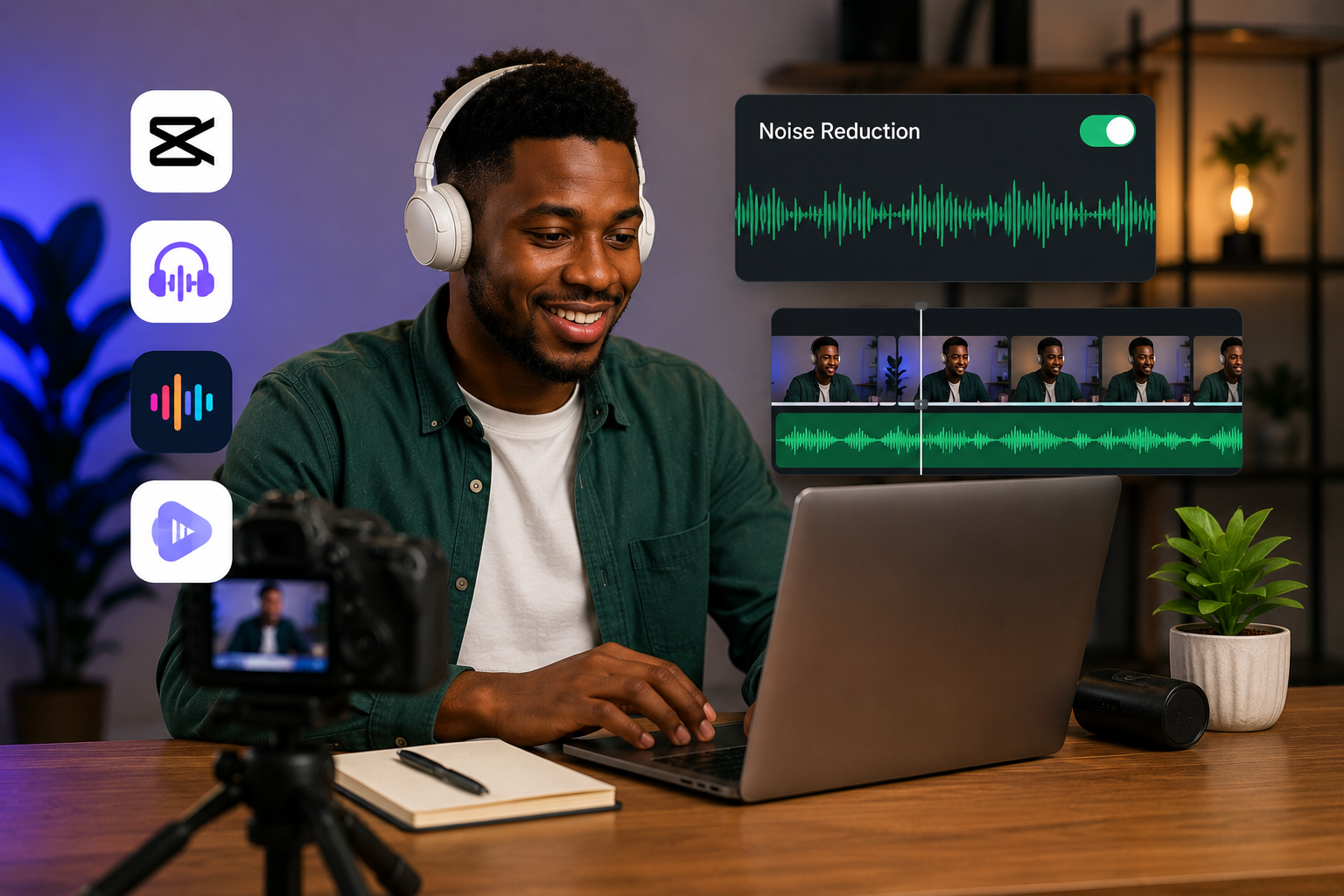
Open your project in CapCut. Tap the video clip in the timeline. Look for the audio editing options. Among them is a feature labelled Reduce Noise or Voice Enhancement depending on your app version. Toggle it on.
The app processes the audio and attempts to strip background noise while preserving speech. The results are not studio quality but they are noticeably better than the original. For content destined for TikTok, Instagram Reels, or WhatsApp status, the improvement is sufficient.
CapCut’s noise reduction works best on consistent background sounds. Generator hum, fan noise, steady traffic drone. Sudden loud noises like horns or shouts are harder to remove completely. The algorithm looks for patterns and removes what repeats. Inconsistent noise confuses it.
The feature is completely free with no watermarks or limits. Since you likely already use CapCut for editing, adding noise reduction to your workflow costs nothing extra.
Adobe Podcast Enhance
Adobe Podcast is a free online tool accessible through any browser. It is designed primarily for podcast audio cleanup but works for video audio as well.
The tool requires you to separate the audio from your video first. Use any free app to extract audio from your video file. CapCut can do this. Export the audio only, then upload it to Adobe Podcast.
Adobe Podcast Enhance processes the file on Adobe’s servers. The AI analyzes the audio, identifies speech, and removes everything else. The results are often dramatic. Audio recorded in noisy environments comes back sounding like it was recorded in a studio.
The catch is that processing requires an internet connection and the free tier has limits on how many files you can enhance. For occasional use on important content, the quality justifies the extra steps.
After enhancing, import the cleaned audio back into your video editor. Sync it with the original video track. Mute or delete the original noisy audio. Export the final video with clean sound.
Krisp
Krisp works differently from post-production tools. It cancels noise in real time during recording or live calls. If you record videos directly through apps that Krisp supports, the noise never enters the recording at all.
Krisp installs as a virtual microphone on your device. When you select Krisp as your microphone input in any app, it filters your audio before the app receives it. The app only hears your clean voice.
This is useful for live streams, video calls, and any situation where you cannot edit the audio afterward. Nigerian creators who go live on TikTok or Instagram or who record directly through streaming software benefit from Krisp running in the background.
The free plan offers limited daily minutes. For short recordings and occasional live sessions, the free tier is enough. Heavy users need the paid plan.
Krisp works on desktop primarily. The mobile support is more limited. If you record from a laptop, Krisp integrated into your workflow eliminates noise before it becomes a problem.
Dolby On
Dolby On is a free recording app from Dolby, the company known for professional audio technology. The app is designed for musicians recording songs but works for any audio recording including voice.
The app applies noise reduction, equalization, and compression automatically while recording. You press record, speak, and the app delivers cleaned audio without manual editing.
Dolby On is useful for creators who record voiceovers separately from video. Record your narration or voiceover through Dolby On. Export the cleaned audio file. Import it into your video editor and sync with your footage.
The app also works for recording clean audio in the field. If you conduct interviews or capture ambient sound that you want to use in videos, Dolby On captures cleaner source material than your phone’s default voice recorder.
The processing happens on your device rather than in the cloud. This means it works without an internet connection after the initial app download.
RNNoise-Based Apps
RNNoise is an open-source noise suppression technology that several free apps use as their underlying engine. It was developed by Mozilla and works surprisingly well for a free solution.
Apps built on RNNoise process audio quickly. The quality does not match Adobe Podcast Enhance but exceeds basic noise reduction features. For creators who need decent results without uploading files to external servers, RNNoise-based apps provide a good balance.
Search your app store for noise reduction apps and look for those mentioning RNNoise in their descriptions. Test a few. Quality varies by implementation. The underlying technology is solid even if some app interfaces are basic.
Google Recorder
Google Recorder is available on Pixel phones and some Android devices. It records audio and transcribes simultaneously. The noise reduction happens automatically.
For creators with access to this app, it serves double duty. Clean audio recording for voiceovers plus searchable transcripts for later reference. The combination of noise reduction and transcription saves time in content production.
If your Android phone does not have Google Recorder pre-installed, check the Play Store. Availability varies by device and region.
App Comparison Table
| App | Free | Works On | Best For | Internet Required |
|---|---|---|---|---|
| CapCut | Yes | Android, iPhone | Quick edits, social media content | No |
| Adobe Podcast Enhance | Free tier | Browser (any device) | Highest quality cleanup | Yes |
| Krisp | Limited free | Desktop primarily | Live streaming, real-time calls | Yes |
| Dolby On | Yes | Android, iPhone | Voiceovers, field recording | No |
| RNNoise Apps | Yes | Varies | Offline processing, privacy | No |
| Google Recorder | Yes | Select Android | Recording + transcription | No |
Workflow for Cleaning Existing Videos
Start with the original video file. Extract the audio using CapCut or any free audio extractor app. Save the audio as MP3 or WAV.
Upload the audio to your chosen noise reduction tool. Adobe Podcast Enhance for the highest quality. CapCut built-in for convenience. Dolby On if you recorded separately.
Download the cleaned audio. Import it into your video editor. Place the cleaned audio on the timeline. Mute the original noisy audio track. Adjust sync if needed. Export the final video.
The process takes a few minutes per video. For content that represents your brand or earns you money, those few minutes are a worthwhile investment.
Preventing Noise Before Recording
Software fixes are helpful but prevention is better. Small adjustments to your recording setup reduce the noise you need to remove later.
Record at times when ambient noise is lowest. Early mornings before traffic builds. Late evenings when neighbours are indoors. During power outages when generators pause briefly. Knowing your environment’s rhythm helps you schedule recording sessions.
Position your phone closer to your mouth. Closer audio sources require less gain, which means less background noise amplified. A simple phone stand that holds the device near your face improves audio more than any software.
Use a basic external microphone if possible. Lavalier microphones that plug into your phone cost a few thousand naira on Jumia. They capture your voice directly and reject off-axis noise. Combined with software noise reduction, the results approach professional quality.
Dampen hard surfaces in your recording space. Hard walls and floors reflect sound and create echo. A rug on the floor, curtains on windows, or even a blanket hung behind you reduces reflections. Softer rooms produce cleaner recordings.
Frequently Asked Questions
Will noise reduction make my voice sound robotic?
Moderate noise reduction preserves natural voice quality. Aggressive noise reduction applied to extremely noisy recordings can introduce artifacts that sound slightly robotic. Start with mild settings. Increase only if necessary. Adobe Podcast Enhance maintains natural voice quality better than most alternatives.
Can these apps remove generator noise?
Yes, especially consistent generator hum. CapCut and Adobe Podcast Enhance handle steady background noise well. The generator sound is predictable, which makes it easier for AI to identify and remove. Sudden generator sounds like startup or shutdown are harder to eliminate.
Do these apps work for Pidgin or Nigerian language content?
Noise reduction targets the audio signal, not the language. Speech is separated from noise regardless of what language is being spoken. Whether you speak English, Pidgin, Yoruba, Igbo, Hausa, or mix languages, the noise reduction processes the audio identically.
Do I need a laptop to clean my audio?
No. CapCut, Dolby On, and several RNNoise-based apps work entirely on Android or iPhone. Adobe Podcast Enhance requires a browser but works on mobile browsers. You can extract audio, process it, and reimport it all from your phone.
Is free noise reduction good enough for professional content?
For social media content, YouTube videos, and online courses, free noise reduction is sufficient. For broadcast quality or commercial production, paid tools like iZotope RX offer more control. Most Nigerian creators do not need broadcast quality. Free tools handle the job.
Clean Up Your Next Video
Pick one video on your phone with background noise. Open CapCut. Apply the noise reduction feature. Export. Compare the before and after.
The difference will surprise you. Clean audio makes you sound more professional, more credible, and more pleasant to listen to. Your message lands better when your audience is not straining to hear you through the noise.
Good audio is not expensive. It is intentional. Use these free tools. Reduce the noise. Let your voice stand out clearly. Your content deserves to be heard properly.