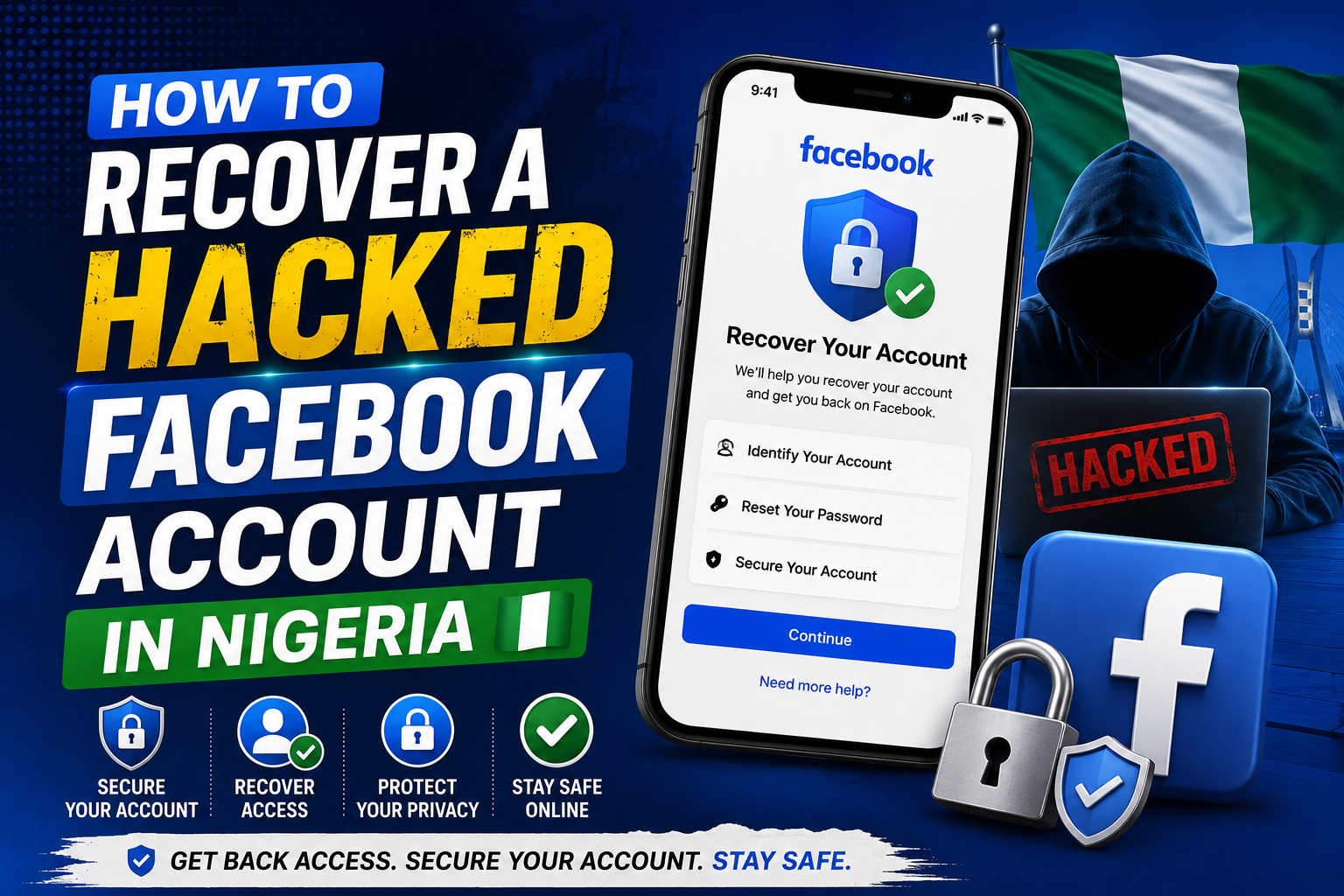
Waking up to find your Facebook account hacked is a terrible feeling. You try to log in and the password does not work. You check your email and see notifications about password changes you did not make. Your friends start calling to ask why you are sending them strange messages or posting suspicious links.
It happens more often than people admit. Nigerians are frequent targets because our accounts are linked to business pages, creator monetization, and payment methods. Losing a Facebook account can mean losing income, contacts, and years of memories.
The recovery process is frustrating by design. Facebook’s support is mostly automated and getting a human response feels impossible. But there are official recovery paths that work if you follow them correctly and patiently.
This guide covers every method available for recovering a hacked Facebook account from Nigeria.
Act Immediately
Time matters. The longer a hacker has access to your account, the more damage they can do. They can lock you out completely, scam your contacts, delete your pages, and get your account permanently banned for their activities.
Start the recovery process the moment you suspect something is wrong. Do not wait until evening or tomorrow. Do it now.
Also, warn your friends and family. Use another platform to tell people your Facebook account is compromised. Tell them not to click links from your account and not to send money if anyone messages them pretending to be you.
Method 1: The Official Account Recovery Page
This is the first method to try. It works if the hacker has not changed your associated email and phone number completely.
Go to facebook.com/login/identify on any browser. Do not use the app for recovery. Use Chrome or any mobile browser.
Enter the email address or phone number associated with your account. Facebook will search for your account. If found, it will show you a partially hidden email or phone number for verification.
If you still have access to the email or phone number shown, select it. Facebook will send a recovery code. Enter that code and you will be able to reset your password and regain access.
Once you regain access, change your password immediately. Make it strong. Something completely new that you have never used before. Enable two-factor authentication right away.
Check what the hacker did. Look at your recent posts, messages, and login locations. Remove any devices or sessions you do not recognize. This is in Settings under Security and Login.
Method 2: When the Hacker Changed Your Email and Phone
This is the harder scenario. The hacker changed your contact details. The recovery page shows an email or phone number that is not yours. You cannot receive the recovery code.
On the same recovery page, after Facebook shows the unknown contact details, look for a link that says “No longer have access to these?” Tap it.
Facebook will ask you to provide a new email address they can reach you at. Enter an email you control and can access right now. This new email becomes the communication channel for recovery.
Facebook may then ask you to upload identification. This is the part that surprises many Nigerians but it is legitimate. You will be asked to submit a photo of a government-issued ID. Voter’s card, national ID, driver’s license, or international passport.
The name on the ID must match the name on your Facebook account. If you used a nickname or fake name on your account and your real name on your ID, this step will be difficult.
Take a clear photo of the ID. Ensure the details are visible. Submit it through the form Facebook provides. This is submitted to Facebook’s automated system which checks that the ID is genuine and matches the account name.
After submission, you wait. Facebook will send a recovery link to the new email you provided if the ID is accepted. This can take a few hours or a few days. Check your email including the spam folder regularly.
Method 3: Trusted Contacts
If you set up Trusted Contacts before your account was hacked, recovery becomes much easier. Trusted Contacts are friends you chose who can help you regain access if you are locked out.
On the recovery page, look for the option that says “Reveal Trusted Contacts” or similar. Facebook will give you a set of codes. You contact your trusted friends, tell them the codes, and they provide them back to Facebook through their own accounts.
Once enough trusted contacts respond, Facebook unlocks your account.
The lesson here is to set up Trusted Contacts now if your account is still safe. Go to Settings, Security and Login, and find Trusted Contacts. Choose three to five close friends or family members you can reach by phone quickly in an emergency.
Method 4: Reporting the Account as Hacked From Another Account
If you have a second Facebook account or if a trusted friend is willing to help, visit the hacked profile.
On the hacked profile, click the three dots under the cover photo. Select “Find Support or Report.” Choose “Something Else” and then “Hacked Account.”
Facebook will guide you through a reporting flow. This method sometimes triggers a different recovery path and can get faster attention than doing it from the locked-out side.
Your friend or your second account reports that the account is compromised. Facebook reviews and may disable the account temporarily to prevent further damage while you work on recovery.
Method 5: Contacting Facebook Support Through Business Assets
If your hacked Facebook account manages a business page, an ad account, or a commerce account, you have an additional recovery path.
Go to facebook.com/business/help. Use the live chat option available to business account holders. Explain that your personal account which manages business assets has been hacked. Provide all relevant details.
Business support is not available to everyone but if you have spent money on ads or manage active pages, you may have access. The business support team is more responsive than general support.
This method has helped several Nigerian creators and business owners recover accounts faster than the standard ID upload method.
What to Do After You Regain Access
Securing your account after recovery is just as important as the recovery itself.
Change your password immediately. Use a combination of uppercase letters, lowercase letters, numbers, and symbols. Make it long. Do not reuse a password from any other account.
Enable two-factor authentication. Go to Settings, Security and Login, and set up Two-Factor Authentication. Use an authenticator app like Google Authenticator or Authy rather than SMS codes. Authenticator apps are more secure and work even without network.
Review the devices and locations that have logged into your account. Remove any you do not recognize. This logs them out.
Check your authorized apps and websites. Hackers sometimes connect apps that give them continued access even after a password change. Go to Settings, Apps and Websites, and remove anything unfamiliar.
Check your email settings. Hackers sometimes add recovery emails or forwarding rules to your email account. If they compromised your email as well, they can retake the Facebook account. Secure your email first.
Review your recent activity. Posts, messages, friend requests sent. Delete anything the hacker posted. Message people who received suspicious messages from your account explaining what happened.
Preventing Future Hacks
Enable two-factor authentication today if you have not already. This single step stops most hacking attempts.
Use a strong, unique password for Facebook that you do not use anywhere else. Password reuse is how many accounts get compromised. One website leaks your password and hackers try it everywhere.
Be skeptical of suspicious links and messages. Hackers often gain access by tricking you into entering your password on a fake login page. If a message tells you to log in again to view something, check the URL carefully.
Do not share your login details with anyone. Not friends, not partners, not “Facebook agents” who message you. Facebook will never ask for your password through a message.
Regularly check your account’s login activity. The Security and Login section shows every device and location that has accessed your account. Check it monthly and remove anything unfamiliar.
If All Recovery Methods Fail
Some accounts are lost. It is painful but true. If you cannot recover the account after exhausting all methods, focus on damage control.
Create a new account. Secure it properly with all the protections mentioned. Let your contacts know your new account is the real one.
If you had a business page that was lost, create a new one and inform your audience through other platforms.
The experience is frustrating but do not pay anyone who claims they can hack the account back for a fee. These are scammers preying on desperate people. Only Facebook can restore access to a Facebook account. No third party has that power.