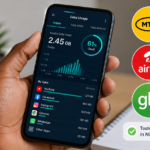
You buy a 1.5GB data plan on a Tuesday. By Thursday evening the data is finished. You check your phone’s built-in data tracker and it says you used 900MB. MTN says the data is exhausted. There is a 600MB gap between what your phone counted and what the network deducted.
This experience is universal among Nigerian smartphone users. The data finishes faster than expected. The numbers never match. You are left feeling cheated without proof.
Phone data trackers and network data counters measure different things. Understanding the gap helps you manage your data better. Third-party apps can give you a clearer picture of where your megabytes actually go.
Why Your Phone and Your Network Disagree
Your phone tracks data passing through its network interface. It counts every byte sent and received by apps, system services, and background processes. The count is local and independent of your mobile network.
The network counts data at their end. They measure what passes through their servers to and from your SIM card. Their count is what determines when your data bundle exhausts.
Discrepancies happen for several reasons. Network overhead adds bytes your phone does not count as useful data. Retransmitted packets due to poor signal count twice on the network side. Some network services run outside your phone’s data tracking. Video zero rating sometimes counts incorrectly.
The gap between your phone counter and the network counter is not necessarily fraud. It is often technical overhead that the network counts as delivered data but your phone categorizes differently.
That said, a consistent large gap warrants investigation. The tools below help you identify where your data goes and whether the network’s count is reasonable.
GlassWire
GlassWire is available for Android and provides real-time data monitoring with detailed breakdowns.
The app shows current data usage on a live graph. You watch data consumption happen in real time. Open Instagram and GlassWire shows the data spike. This immediate feedback changes behaviour. You see exactly which apps consume data aggressively.
Historical data is organized by app, by day, and by week. You can see that TikTok used 300MB on Tuesday and 250MB on Wednesday. Patterns emerge. You identify the data-hungry apps and adjust usage accordingly.
GlassWire alerts you when apps use unusual amounts of data. A background app that suddenly starts consuming data gets flagged. This catches misbehaving apps before they drain your entire bundle.
The firewall feature on premium versions blocks specific apps from using mobile data entirely. You allow WhatsApp on mobile data but restrict Instagram to WiFi only. This granular control prevents accidental data waste.
The free version provides data monitoring and basic alerts. Premium adds firewall, longer history, and more detailed reporting. For most users, the free version provides enough information to understand data consumption patterns.
Data Monitor
Data Monitor is a simple Android app focused exclusively on tracking data usage. No extra features. No bloat. Just accurate counting.
The app displays current session data usage prominently. A persistent notification shows real-time data speed and total used. You glance at your phone and know exactly how much data you have consumed in the current cycle.
Data Monitor tracks both mobile data and WiFi separately. Billing cycle settings align the counter with your plan renewal date. You set the monthly limit and the app warns you as you approach it.
The app calculates daily average usage and estimates whether you will stay within your limit. If you are consuming faster than the plan supports, the estimate shows you will exhaust the bundle before the month ends. This early warning prompts behaviour change before the data runs out.
Data Monitor is free with ads. The ads are banner-style and do not interrupt the monitoring function. For a straightforward counter without complexity, it is the most focused option available.
NetGuard
NetGuard takes a different approach. It is a firewall that blocks apps from accessing the internet without your permission. In blocking, it also tracks.
The app lists every installed application. You toggle mobile data and WiFi access individually per app. Block Facebook from mobile data. Allow WhatsApp. Block Google Photos from uploading on mobile data. Allow Gmail.
This granular control eliminates background data waste. Apps you rarely use cannot consume data silently. System services that phone home to manufacturers cannot use your data bundle without permission.
NetGuard logs blocked access attempts. You see which apps try to use data and how often. An app that tries to connect every few minutes despite being unused is identified and can remain blocked permanently.
The app is open source and free. No ads. No premium tiers. The developer accepts donations but the full functionality is available without payment.
Setup requires some initial effort. You must decide which apps get data access. After the initial configuration, NetGuard runs silently and protects your data automatically.
My Data Manager
My Data Manager is available for both Android and iPhone. It tracks data usage across mobile and WiFi with app-level breakdown.
The app provides daily, weekly, and monthly reports. You see which apps consumed data, when they consumed it, and how much each session used. The level of detail helps identify specific behaviours causing high usage.
Shared plans tracking allows multiple devices under one account. Family members each install the app and the account holder monitors total household usage. This is useful for Nigerian families sharing data plans or WiFi.
Alerts notify you before reaching plan limits. Custom thresholds provide warnings at fifty percent, eighty percent, and ninety-five percent of your bundle. Graduated warnings prevent sudden exhaustion.
The app is free with ads. Premium removes ads and adds additional reporting features. The free tier provides sufficient tracking for individual users.
App Comparison Table
| App | Platform | Free | Best For | Key Feature |
|---|---|---|---|---|
| GlassWire | Android | Yes (premium available) | Visual monitoring | Real-time graph, alerts |
| Data Monitor | Android | Yes (ads) | Simple counting | Persistent notification |
| NetGuard | Android | Yes (open source) | Blocking & tracking | Per-app firewall |
| My Data Manager | Android, iPhone | Yes (ads) | Cross-platform tracking | Shared plan monitoring |
Testing Methodology
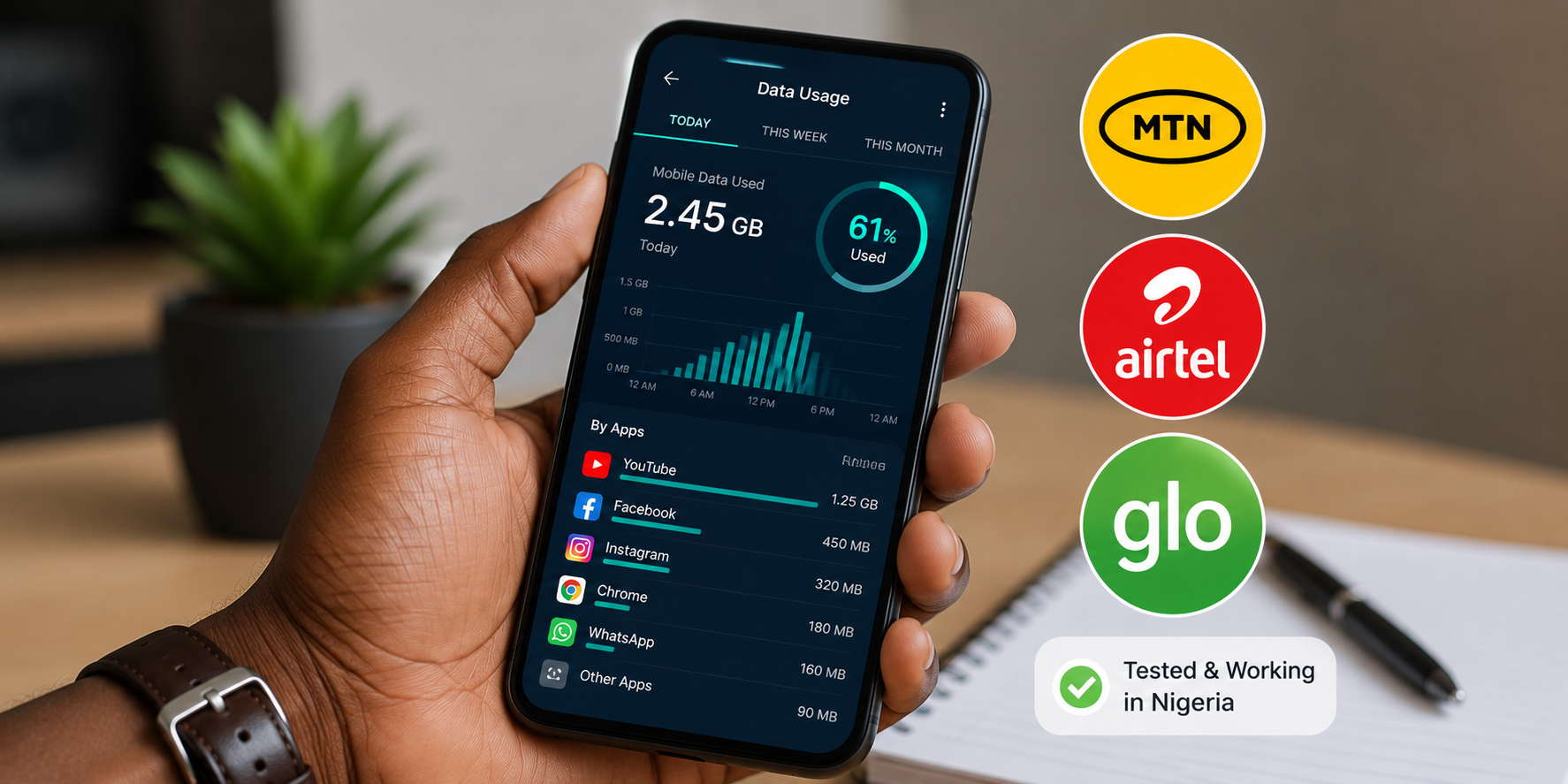
I tested these apps on three Nigerian networks over two weeks. MTN, Airtel, and Glo were each used for several days with different tracking apps active.
Phone data counters were compared to network-reported usage through USSD balance checks. The goal was to identify which apps most accurately predicted network-side consumption.
All tested apps counted data similarly to the Android built-in counter. None perfectly matched network-reported usage. The discrepancy averaged five to fifteen percent, with the network side always reporting higher usage than the phone side.
This consistent gap across multiple apps confirms that the difference is systemic rather than app-specific. Network overhead and retransmission account for the gap. The apps accurately measure what your phone transmits. They cannot measure what the network counts on their side.
Practical Data Saving Tips From Monitoring
Monitoring revealed patterns common across test devices.
Social media video autoplay was the largest single source of unexpected data consumption. Instagram, Facebook, and TikTok consumed significant data even during brief scrolling sessions. Disabling autoplay in each app reduced daily data usage noticeably.
Cloud backup services consumed data in bursts. Google Photos, iCloud, and similar services uploaded large files during charging and WiFi periods. When WiFi disconnected briefly, some services switched to mobile data without notification. Disabling mobile data backup in these apps prevented surprise consumption.
Messaging apps with auto-download enabled consumed data for every photo and video received in group chats. WhatsApp groups with heavy media sharing consumed hundreds of megabytes without the user actively opening any media. Setting auto-download to WiFi only eliminated this passive consumption.
System updates and app updates consumed data silently. Play Store auto-update was enabled by default on test devices. Setting updates to WiFi only saved significant mobile data.
Frequently Asked Questions
Is my network provider stealing my data?
The consistent gap between phone counters and network counters is explainable by technical overhead and does not prove theft. That said, if your personal gap consistently exceeds twenty percent, contact the network with specific dates and numbers. Documentation strengthens your case.
Do data saving apps actually work?
Apps that block background data work. Apps that compress data through VPN routing work partially but introduce privacy concerns. Apps that claim to magically reduce data usage through software optimization alone generally do not work. Blocking, monitoring, and behavioural changes produce real savings.
Which is the most accurate data tracking app?
GlassWire and Data Monitor both tracked within five percent of each other during testing. No consumer app can perfectly match network-side counting. Choose based on features rather than accuracy differences, which are minimal.
Can I use these apps on iPhone?
iPhone restricts background data monitoring more than Android. My Data Manager works on iPhone with limitations. Built-in iPhone data tracking in Settings is reasonably accurate. Third-party options are more limited on iOS.
Will these apps drain my battery?
Data tracking apps use minimal battery because they monitor network activity that happens regardless. GlassWire uses slightly more battery due to real-time graphing. Data Monitor and NetGuard have negligible battery impact.
Start Monitoring Today
Install GlassWire or Data Monitor on your Android phone. On iPhone, open Settings and review Cellular data usage. Note which apps consumed the most data in the current period.
Disable autoplay in social media apps. Set messaging app media download to WiFi only. Restrict Play Store and App Store updates to WiFi. These three changes, informed by monitoring, typically reduce data consumption by thirty percent or more.
Knowledge changes behaviour. When you see exactly where your data goes, you make different choices. Monitor for one week. Review the report. Adjust your habits based on real data, not guesses. Your bundles will last longer because you finally understand where they were going.