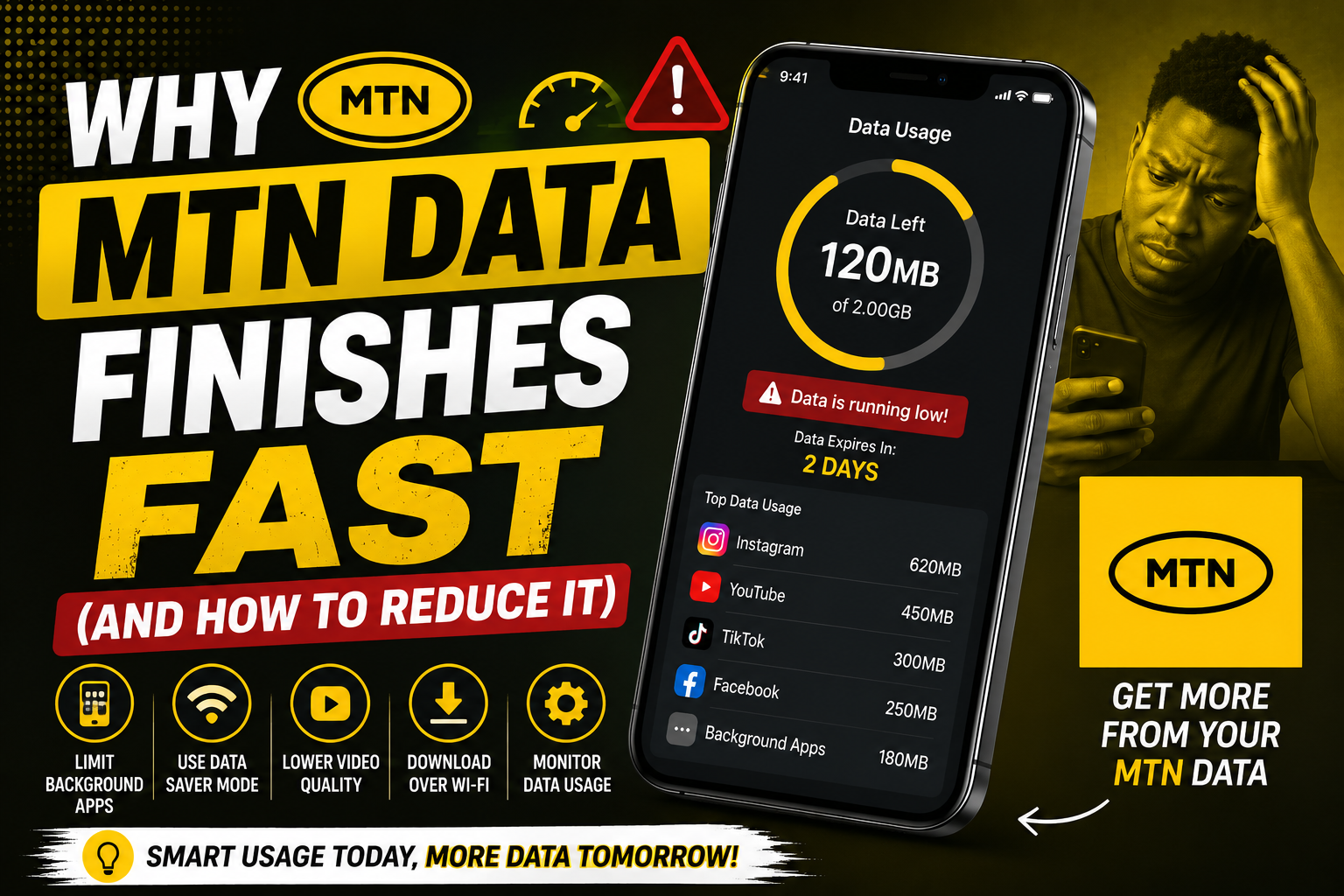
You just subscribed to a 1.5GB MTN data plan three days ago. You have barely used your phone for anything heavy. No downloads. No YouTube binges. Just WhatsApp, a bit of Instagram, and some browsing. Yet somehow the data is already gone.
You dial the balance check code and stare at the screen in disbelief. Where did it go? Did MTN steal it? Is the data plan smaller than advertised?
This experience is so common among Nigerian MTN users that it has become a running joke online. But the frustration is real. This post explains the actual reasons MTN data disappears quickly and the practical steps you can take to make it last longer.
Reason 1: Video Auto-Play on Social Media
This is the biggest data drain and most people do not realize it is happening. Instagram, Facebook, Twitter, and TikTok automatically play videos as you scroll through your feed. Each video consumes data. Even if you do not stop to watch, the few seconds that auto-play as you scroll past still use data.
Instagram is especially aggressive with this. Open the app and scroll for ten minutes. Even without clicking a single video, you have downloaded dozens of megabytes of auto-played content.
The fix is simple but buried in settings. For Instagram, go to your profile, tap the three lines, go to Settings, then Account, then Cellular Data Use. Turn on Data Saver. This reduces video quality and stops aggressive pre-loading.
For Facebook, go to Settings, then Preferences, then Media. Set videos to never auto-play or auto-play only on WiFi.
For Twitter, go to Settings, then Accessibility, Display, and Languages, then Data Usage. Turn on Data Saver and set video auto-play to never.
For TikTok, go to Settings, then Data Saver. Turn it on. This reduces video quality but saves significant data.
These settings changes take five minutes total and can extend your data by days.
Reason 2: Background App Activity
Apps continue working even when you are not using them. They refresh content, sync data, download updates, and send analytics. All of this happens silently in the background using your MTN data.
Facebook and Instagram are notorious for this. Even when you close the app, background processes continue. Messenger stays connected waiting for messages. WhatsApp backs up your chats.
The fix involves both phone settings and app settings. On Android, go to Settings, then Apps, select the data-hungry app, and tap Restrict Background Data. Do this for Facebook, Instagram, Snapchat, and any app you notice consuming data in your usage statistics.
Within WhatsApp, go to Settings, then Storage and Data. Under Media Auto-Download, set all options to WiFi only. This stops WhatsApp from automatically downloading every photo and video sent to you on mobile data.
For Google apps, go to Play Store settings and set Auto-Update Apps to Over WiFi Only. This prevents your phone from downloading large app updates using your MTN data.
Reason 3: High Quality Media Uploads and Downloads
Sending and receiving high-quality photos and videos consumes enormous amounts of data. A single one-minute video sent on WhatsApp at full quality can be over 50MB. Send a few of those and your data takes a noticeable hit.
When you send photos on WhatsApp, the app defaults to a standard quality that is already compressed. But when you select photos from your gallery to send, choose the option to send as document if available. This sends a smaller file.
For receiving, as mentioned above, set all auto-download to WiFi only. When someone sends you a video, you can choose to download it later when you have WiFi access.
On Instagram and other platforms, upload quality is adjustable. You do not need to upload your stories in maximum resolution. Standard quality is acceptable for social media and uses far less data.
Reason 4: Poor Network Signal Increases Data Usage
This one surprises people. When MTN signal is weak, your phone works harder to maintain a connection. It repeatedly sends and requests data packets that get lost and resent. This inefficiency means your data is partially wasted just trying to maintain a stable connection.
If you are in an area with poor MTN coverage, your phone might be using data simply fighting to stay connected. Streaming or browsing in these conditions uses significantly more data than the same activity in strong signal areas.
The fix is awareness. If you notice your signal bars are low, avoid data-heavy activities. Wait until you are in an area with better reception to stream videos or download files.
You can also switch your network mode from 4G to 3G in weak signal areas. On Android, go to Settings, then Network and Internet, then Mobile Network, and set Preferred Network Type to 3G. 3G uses less power and can sometimes be more stable in areas with weak 4G coverage.
Reason 5: MTN Bonus Data Burns First
MTN frequently gives bonus data on recharges. This seems generous but there is a catch many users miss. The bonus data often expires faster than your main data and is used first.
You might think you are burning through your purchased data but what is actually happening is your bonus data is expiring and your main data is next in line. The combination of fast-expiring bonuses and regular usage creates the illusion that your main data is vanishing.
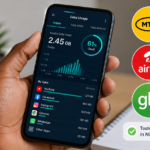
Check your data balance regularly to understand what is being consumed. Dial *131*4# to check MTN data balance. It shows your main data and any bonus data separately. This clarity helps you understand what is actually happening.
Reason 6: Some Websites and Apps Are Data Heavy
Not all online activities consume data equally. Messaging on WhatsApp is light. Scrolling Instagram is moderate. Watching YouTube is heavy. But some everyday activities that seem harmless are actually quite data-hungry.
Loading websites filled with ads and auto-play videos uses far more data than clean, text-heavy sites. Many Nigerian news websites are packed with video ads that auto-play. Simply reading a news article can consume more data than expected.
Using Google Maps for navigation downloads map data continuously. A one-hour drive using Maps can use over 100MB of data. If you use navigation frequently, this adds up.
Video calls consume massive data. A thirty-minute WhatsApp video call can use over 200MB. Voice calls use far less.
Practical Data Saving Habits That Add Up
These small habits compound over a month and save significant data.
Download content on WiFi and consume it offline. If you have access to WiFi at home, work, or school, download YouTube videos, podcasts, and music while on WiFi. Watch and listen later without using mobile data.
Use data compression in your browser. Chrome has a Lite mode that compresses pages before downloading them. Opera Mini is specifically designed for data saving and works well for reading articles and browsing.
Check your data usage statistics regularly. On Android, go to Settings, then Network and Internet, then Data Usage. It shows which apps consumed the most data in your current cycle. You might discover an app is using far more than expected. Address that specific app.
Set data warnings and limits. In the same data usage settings, you can set a warning when you reach a certain amount and a hard limit that turns off mobile data. This prevents surprise depletion.
Download offline maps for your frequent areas. Google Maps allows you to download maps for offline use. Download your city or frequent routes on WiFi and Maps will use far less data during navigation.
The Honest Truth About MTN Data
MTN data is expensive compared to competitors like Glo and Airtel. That is a fact. But MTN also has the widest coverage and most consistent speeds in many areas. Nigerians pay for the reliability.
The data does not disappear magically and MTN is not secretly siphoning your megabytes. The combination of data-hungry apps, background activity, auto-play videos, and poor signal areas creates the experience of data vanishing quickly.
By applying the fixes in this post, you can extend the same data plan significantly. The changes take a few minutes to set up but save hours of frustration and thousands of naira over time.
Start with the social media auto-play settings. That one change alone will make a noticeable difference within a week.