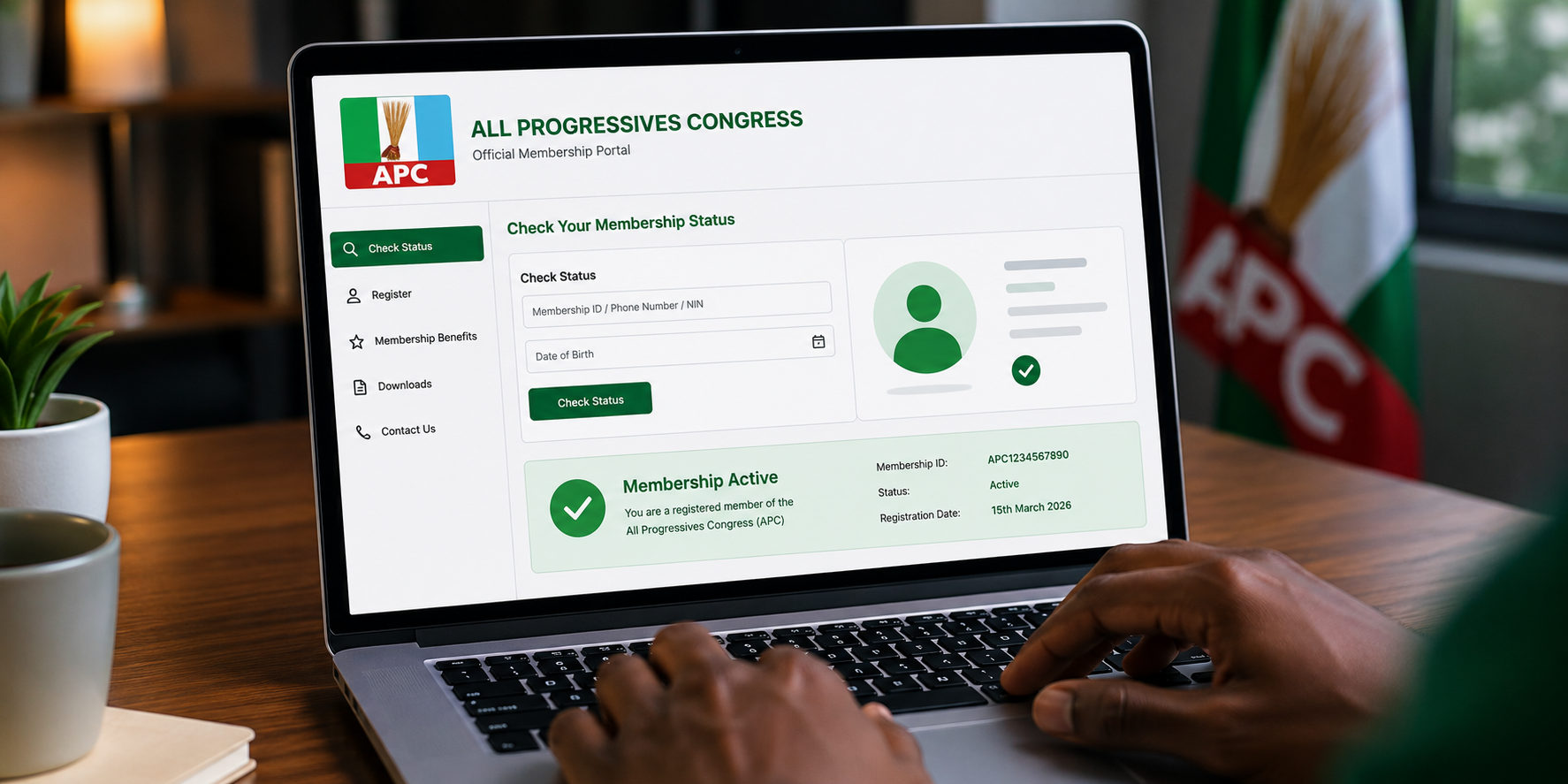
If you registered for the All Progressives Congress (APC) electronic membership drive or you’re planning to, knowing how to check your registration status is just as important as the registration itself. The APC has moved its membership records online through a digital system linked to the National Identity Management Commission (NIMC), making it easier for members to confirm their details and ensure their voices count in the party’s internal processes. This guide walks you through exactly what you need to know about checking your APC membership status in 2026, including the official steps, common issues, and what to do if your details aren’t showing up.
Why the APC Digital Membership System Matters
The APC’s shift to electronic registration is a significant change from the old paper-based system. The party’s National Chairman, Professor Nentawe Yilwatda, has explained that the digital register provides accurate and verifiable data on members, including their locations and contact details. This means the party can now mobilize effectively and conduct what they describe as more credible primaries because only duly registered members can participate.
For you as a member, this system gives you proof of your membership status. It also helps the party eliminate duplication and strengthen internal accountability. The membership database has been linked to the National Identity Management Commission, which helps validate the register and ensure that every registered member is properly counted. The e-registration exercise has been designed to digitize the Party’s membership register, ensure the integrity of records, and promote internal democracy.
Step-by-Step Guide to Check Your APC Membership Status
Checking your membership status is straightforward if you have the right information. Here is a clear step-by-step process:
Step 1: Visit the Official APC Registration Portal
The first thing you need to do is go to the official APC membership portal. Party officials have confirmed that the website to visit is registration.apc.com.ng. Be careful about fake websites that might try to collect your personal information. Only use the official portal.
Step 2: Enter Your National Identification Number (NIN)
Once you are on the portal, you will be prompted to enter your National Identification Number to begin the process. This is one of the requirements for the electronic registration. The NIN helps confirm your identity and links your membership to your official government records. This is also how the party validates the register and eliminates duplication.
Step 3: Fill in Your Personal Details
After entering your NIN, you will need to provide additional personal details to complete your profile. For existing members, this is where you update your information if anything has changed since your last registration. For new members, you will create a new profile from scratch. You may also need your voter’s card and APC membership card, as seen in the Gombe State flag-off of the digital registration exercise.
Step 4: Submit and Confirm
After filling in your details, submit the form. If everything is in order, you should receive a confirmation that your registration has been successful. You can then view your membership status directly on the portal.
What to Do If You Cannot Access Your Membership Details
Some people may encounter issues when trying to check their status. Here are common problems and how to solve them:
You Forgot Your Login Credentials
If you are an existing member and this is your first time using the new digital system, you may need to reset your password. Look for the “Forgot your password?” section on the login page. Enter the email address associated with your account to receive a link and security code to create a new password.
Your Details Are Not Showing Up
If you registered but cannot find your details, it is possible that your registration did not go through properly. In that case, you should visit an APC ward or designated registration location near you for assistance. The party has resumed the electronic membership registration exercise in all wards and designated locations nationwide, so help should be available.
You Do Not Have a National Identification Number
A National Identification Number is mandatory for this registration process. If you do not have one, you will need to get registered with NIMC before you can complete your APC membership registration. You must be at least 18 years old to register.
Frequently Asked Questions
1. How can I check my APC membership status online?
You can check your membership status by visiting the official APC registration portal at registration.apc.com.ng and entering your NIN. Existing members can also use the “Forgot your password?” feature to access their account if they have previously registered.
2. What documents do I need to check my APC membership status?
You need your National Identification Number (NIN) and the email address you used during registration. The NIN is required to validate your identity and link your membership to the digital register.
3. I am an existing APC member. Do I still need to register again?
Yes, the APC has urged existing members to validate their membership through the new electronic system. This helps update the digital register and ensures your details are accurate and verifiable.
4. What if I cannot access the APC portal?
If you cannot access the portal, you can visit an APC ward or designated registration center near you for assistance. The party has resumed the exercise in all wards and designated locations nationwide.
5. Is the APC electronic membership registration free?
The electronic membership registration itself is free, although you may need data to access the portal. The requirement is that you are 18 years or older and possess a valid NIN.